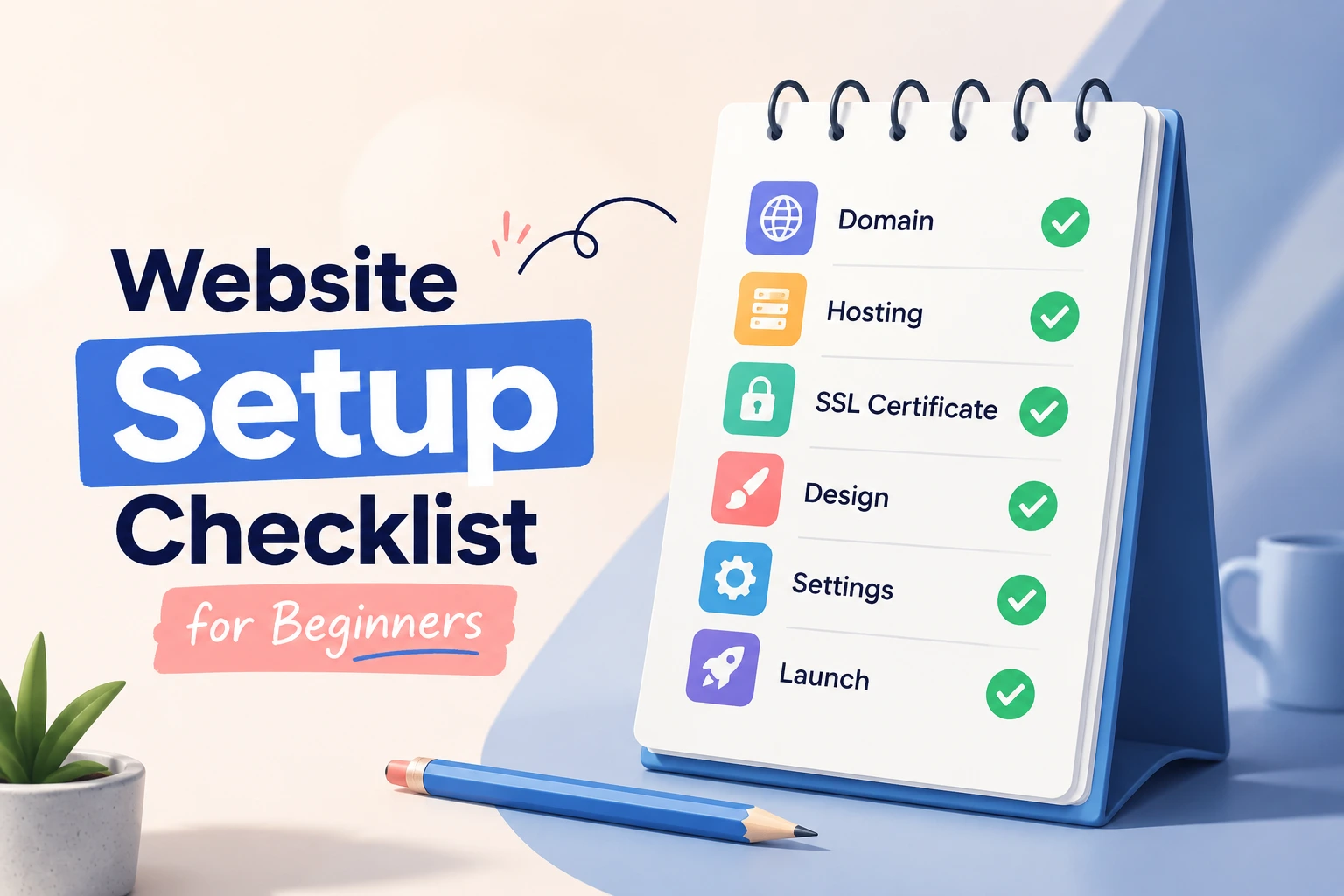
Website Setup Checklist for Beginners: A Step-by-Step Guide to Launching Successfully
Introduction
Creating a website is one of the most important steps for establishing an online presence. Whether you are starting a business website, personal blog, portfolio, or e-commerce store, proper planning and setup can determine your long-term success. Unfortunately, many beginners focus only on design while overlooking critical elements such as security, performance, SEO, and user experience.
This Website Setup Checklist for Beginners provides a complete roadmap for launching a professional website. Instead of relying on guesswork, you will learn the essential steps needed to create a secure, fast, and search-engine-friendly website from the start.
By following this guide, you can avoid common mistakes, improve visitor engagement, and create a strong foundation for future growth. From choosing a domain name and hosting provider to optimizing your website for search engines and mobile devices, this checklist covers everything beginners need to know before going live.
Choose the Right Domain Name and Hosting Provider
Your domain name and hosting provider form the foundation of your website. Selecting the right options early can prevent technical issues and branding challenges later.
Selecting a Professional Domain Name
A domain name is your website's address on the internet. It should be memorable, relevant, and easy to type.
Best practices include:
- Keep it short and simple.
- Avoid numbers and hyphens.
- Choose a name related to your brand.
- Use a trusted extension such as .com when possible.
- Ensure it is easy to pronounce and remember.
For example, a web development business might choose a domain such as "yourbrandweb.com" instead of a lengthy or confusing alternative.
Choosing Reliable Web Hosting
Website hosting determines how your website performs and remains accessible online.
When evaluating hosting providers, consider:
- Uptime guarantee (99.9% or higher)
- Fast server performance
- Security features
- Automatic backups
- Customer support availability
- Scalability options
Reliable hosting improves both user experience and SEO performance.
Install and Configure Your Website Platform
After securing hosting and a domain name, the next step is installing your content management system (CMS).
Selecting the Right CMS
Most beginners choose WordPress because it powers a large percentage of websites worldwide.
Benefits include:
- Easy content management
- Extensive plugin ecosystem
- SEO-friendly architecture
- Large support community
- Flexible design options
Other alternatives include Laravel, Joomla, Drupal, Shopify, and custom-built solutions.
Configure Essential Website Settings
Before publishing content, configure the following:
- Website title
- Tagline
- Time zone
- Permalink structure
- User roles and permissions
- Contact information
Proper configuration improves usability and prevents future management issues.
Optimize Website Design and User Experience
A website should look professional while remaining easy to navigate.
Create a Mobile-Friendly Design
Most website traffic now comes from mobile devices.
Your website should:
- Adapt to different screen sizes
- Load quickly on smartphones
- Use readable fonts
- Maintain touch-friendly navigation
Mobile responsiveness is also an important Google ranking factor.
Build Clear Navigation Structures
Visitors should find information quickly.
Include:
- Home page
- About page
- Services or products page
- Blog section
- Contact page
Simple navigation improves engagement and reduces bounce rates.
Implement Essential Website Security Measures
Security is often overlooked during website setup, yet it remains one of the most critical aspects.
Install an SSL Certificate
An SSL certificate encrypts communication between visitors and your website.
Benefits include:
- Secure data transmission
- Improved trust
- Better search engine rankings
- Browser security indicators
Modern websites should always use HTTPS.
Establish Backup and Protection Systems
Regular backups help recover data in case of technical failures or cyberattacks.
Implement:
- Automated backups
- Firewall protection
- Malware scanning
- Strong passwords
- Two-factor authentication
Prevention is far easier than recovering from a security breach.
Prepare Your Website for Search Engines
Search engine optimization should be incorporated from the beginning rather than added later.
Configure Basic SEO Settings
Essential SEO setup includes:
- SEO-friendly URLs
- Meta titles
- Meta descriptions
- XML sitemap
- Robots.txt file
- Internal linking structure
These elements help search engines understand and index your website.
Optimize On-Page Content
Every page should include:
- Descriptive headings
- Relevant keywords
- Clear calls to action
- Internal links
- Optimized images
Content quality remains one of the strongest ranking signals.
Improve Website Speed and Performance
Website speed directly affects user satisfaction and search rankings.
Optimize Images and Media Files
Large files can significantly slow down websites.
Best practices:
- Compress images
- Use modern formats
- Resize images appropriately
- Enable lazy loading
Fast-loading pages improve engagement and conversions.
Implement Performance Enhancements
Consider:
- Browser caching
- Content Delivery Networks (CDNs)
- Minified CSS and JavaScript
- Database optimization
- Server-side caching
Performance improvements provide long-term benefits.
Create Essential Website Pages
Every professional website requires foundational pages.
Core Pages Every Website Needs
At minimum, include:
- Home Page
- About Page
- Contact Page
- Privacy Policy
- Terms and Conditions
These pages improve credibility and compliance.
Build Trust Through Transparency
Visitors are more likely to engage with businesses that provide clear information.
Include:
- Company background
- Contact details
- Social proof
- Testimonials
- Professional imagery
Trust signals improve conversion rates.
Set Up Analytics and Monitoring Tools
Tracking performance helps you make informed decisions.
Install Website Analytics
Analytics tools help monitor:
- Visitor numbers
- Traffic sources
- User behavior
- Conversion rates
- Popular content
Data-driven decisions support long-term growth.
Monitor Website Health
Regular monitoring should include:
- Uptime checks
- Broken link detection
- Security scans
- Speed testing
- SEO audits
Continuous monitoring prevents small issues from becoming major problems.
Test Everything Before Launch
A successful launch requires thorough testing.
Perform Functional Testing
Check:
- Contact forms
- Navigation menus
- Buttons
- Search functionality
- User registration systems
Ensure every feature works correctly.
Conduct Cross-Device Testing
Test your website on:
- Desktop computers
- Tablets
- Smartphones
- Multiple browsers
Consistency across devices improves user experience.
Common Website Setup Mistakes to Avoid
Many beginners encounter avoidable issues during website setup.
Ignoring Security
Failure to secure a website can lead to data loss, downtime, and reputational damage.
Always prioritize security from the start.
Launching Without SEO Preparation
A visually appealing website may still struggle if search engines cannot properly index it.
SEO should be part of every website setup checklist.
Expert Recommendations for Long-Term Success
Building a website is only the beginning.
Focus on Continuous Improvement
Regularly update:
- Content
- Plugins
- Themes
- Security settings
Consistent improvements keep websites competitive.
Prioritize User Experience
Every decision should support visitors.
Ask yourself:
- Is navigation intuitive?
- Is content helpful?
- Does the site load quickly?
- Is information easy to find?
A user-focused website performs better in both search engines and conversions.
Conclusion
Following a comprehensive Website Setup Checklist for Beginners ensures your website launches with a strong foundation. From choosing the right domain and hosting provider to implementing security measures, SEO optimization, and performance enhancements, every step contributes to long-term success.
Many website owners focus only on appearance, but professional websites require much more than attractive design. Security, speed, usability, and search engine optimization are equally important factors that influence visitor satisfaction and business growth.
By applying the strategies outlined in this guide, beginners can avoid common mistakes, improve website performance, and create a professional online presence that supports future goals. Take the time to complete each item on this checklist before launching, and your website will be better positioned to attract visitors, rank in search engines, and achieve lasting success.